My To Do List
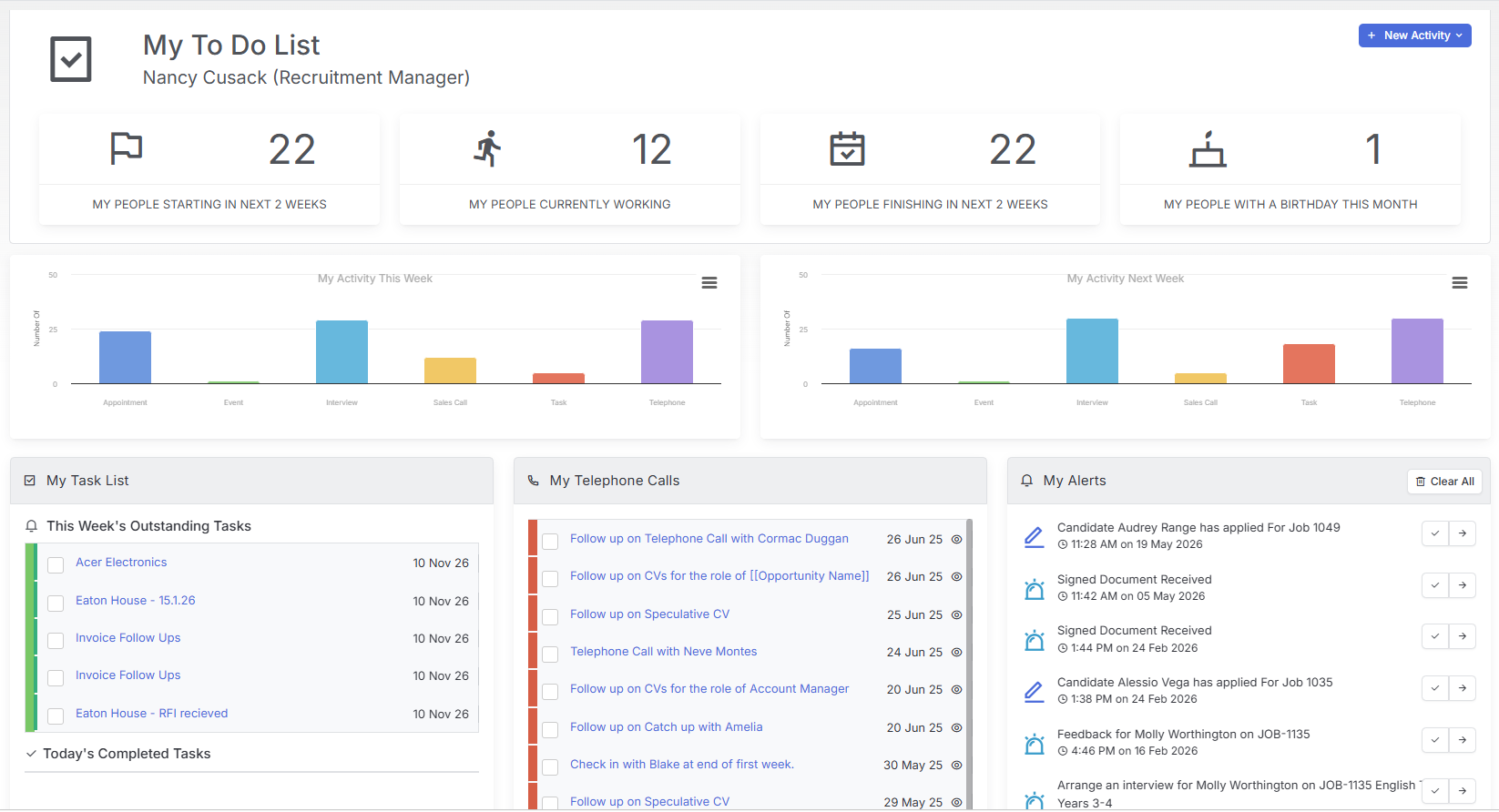
Jumping between records to work out what needs doing first costs time. My To Do List brings your tasks, calls, alerts and calendar together on a single screen, so you can plan your day at a glance.
What’s on it
Tile Banner: headline numbers for placements starting or finishing in the next 2 weeks, placements currently running and candidate birthdays this month. Click any number to see the records behind it.
Tasks and Calls: tick tasks off and move due dates right from the widgets, without opening each activity.
Alerts: see triggers that affect you, such as a candidate applying to one of your jobs.
My Calendar: view by month, week or day, drag and drop activities to reschedule, and add colleagues’ calendars to check availability before booking.
What Have I Done Today: retrace your steps for any day in the last 180 days.
Find it: Main Bar > Home, or the Productivity Bar.