✨Compliance Item Sets
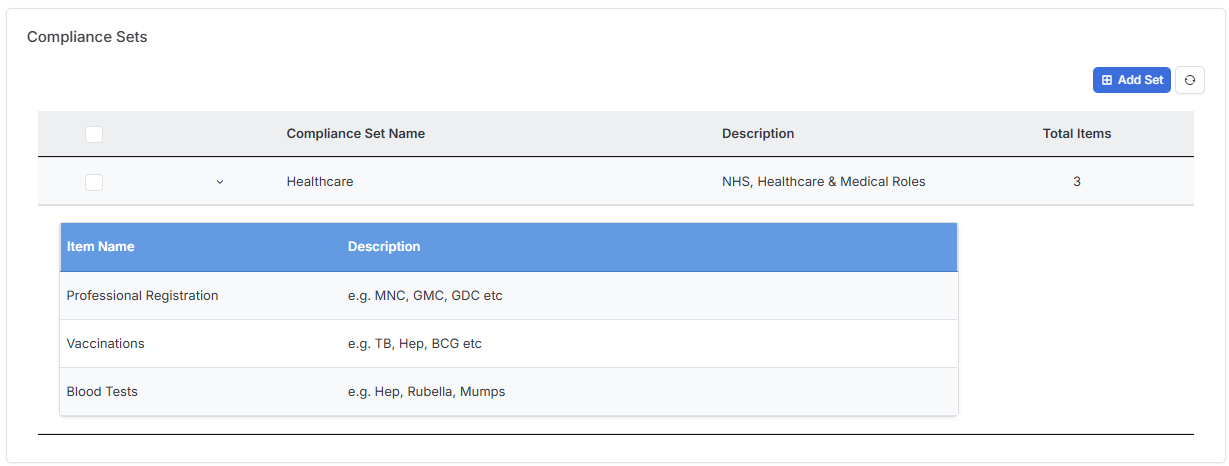
Within Candidate Settings, you can now organise your Compliance Items into Sets to help you organise your compliance requirements.
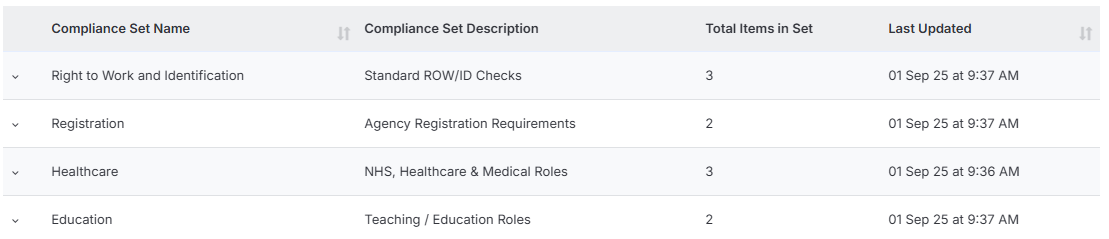
Sets can be added not only directly to the Candidate record, but assigned to Company’s and Contact’s which are then available to assign to related jobs.
Within the Placement record of a job with compliance assigned you can view and manage the Candidates Compliance.
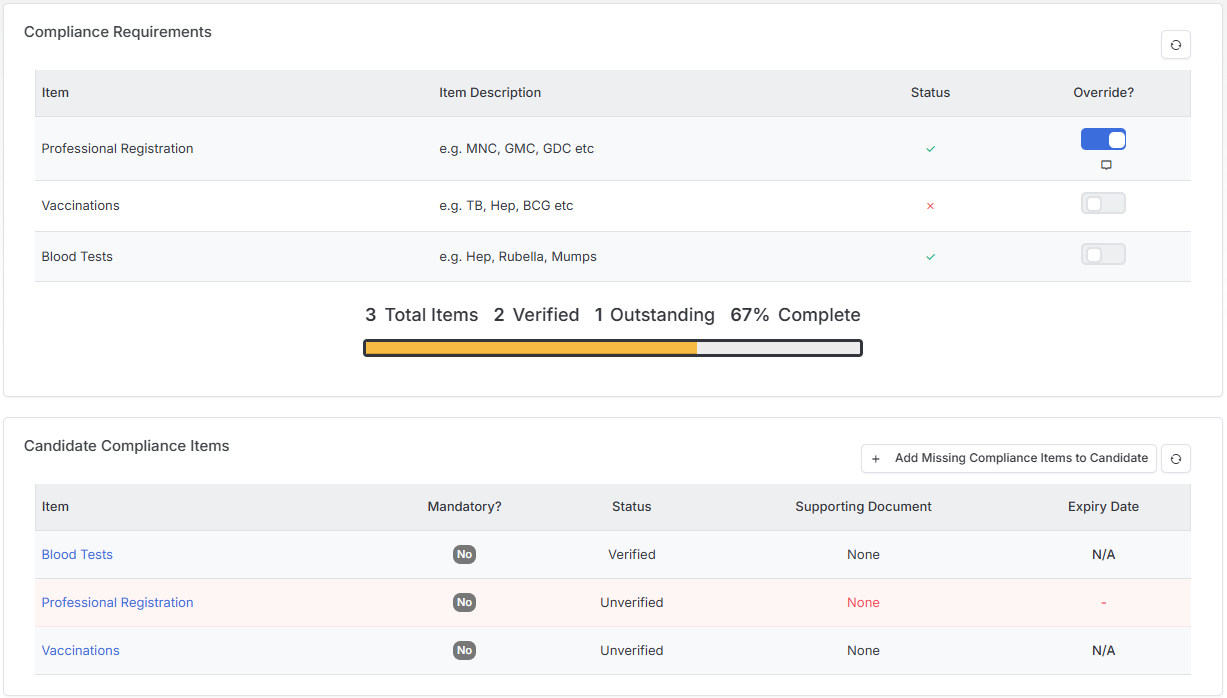
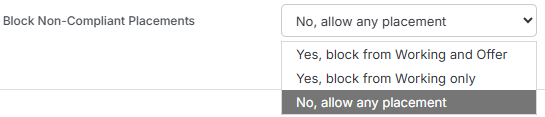
Additionally there is now a Placements Setting to prevent progression to Working or Offer statuses where the candidate is not compliant.
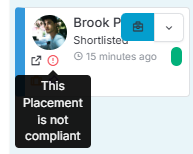
Where one of the prevention levels are set, on a job with compliance items set, an indicator will show on the candidates submission card when they are non-compliant.
✨Custom Document Types
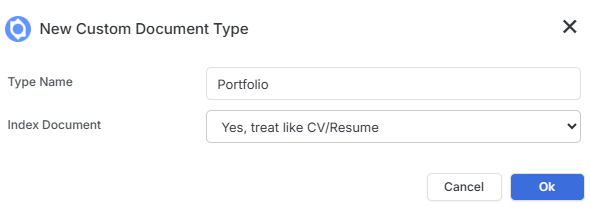
When creating Custom Document Types (in Document Settings) you can now choose if these documents will be indexed. Indexing should be used where the Custom Document type will be used to replace or supplement CV/Resume type information. Indexed documents will influence Long List ranking results and Candidate search results.
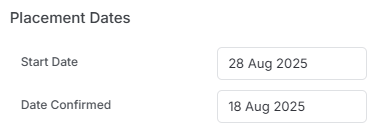
✨New Permission | Placement Confirmed Date
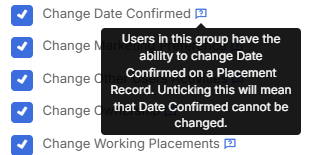
There is a new permission to control which users can edit the “Date Confirmed” field on a placement.
Permission:
Placement Record:
✨New Permission | Submission Workflow Auto Action
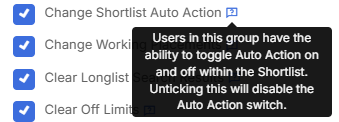
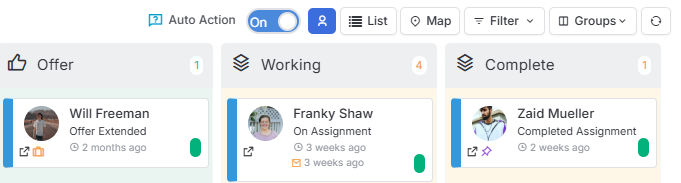
The Auto Action feature (when enabled) on Job records streamlines your workflow by automatically prompting for next steps when processing submissions. When toggled on users will get instant prompts for key actions like emailing CVs to contacts, scheduling interviews, and other essential follow-ups—ensuring nothing falls through the cracks while saving you valuable time.
A new permission has been added to permit or restrict users from toggling this switch on or off.
Permission:
Job Record:
✨Job Record | Key Statistics Clickable
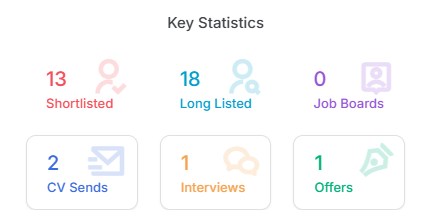
Key Statistics in the Summary panel or a Job record are now clickable, allowing you to view lists of candidates who have been Submitted, Interviewed or Offered.
✨Adding People to Multiple Send Lists
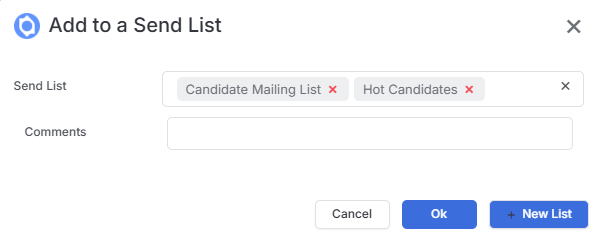
We have made it easier to add Candidates or Contacts to multiple Send Lists in one go by allowing for multi-select, saving you time and creating a smoother, more efficient workflow.
✨Placement View | Workers
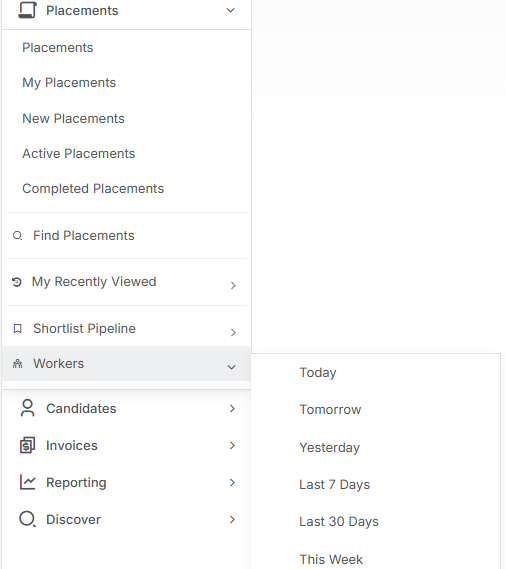
Beyond allowing you to filter Placements views by Start and/or End Dates, a new “Workers” view allows you to access a list of workers for a given time period.
✨Bulk Updating Custom Fields | Overwrite or Append
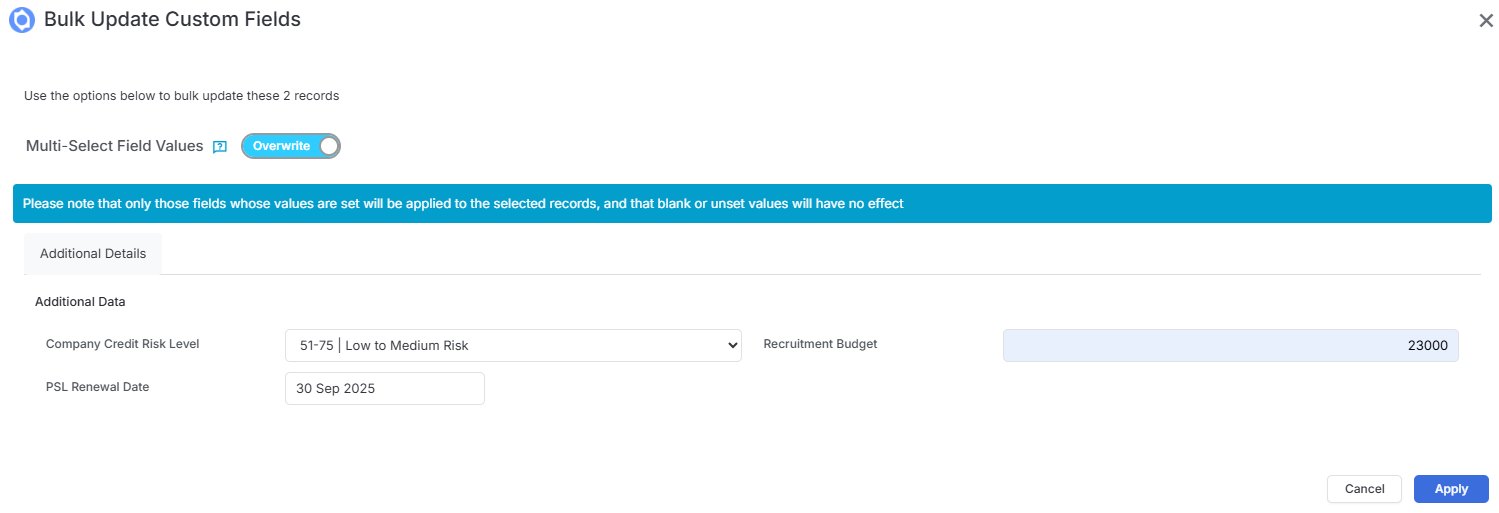
When updating Custom Fields, you can now choose to either Overwrite existing values or Append new ones to fields that support multiple entries. This flexibility lets you continuously enrich your data over time without losing valuable information, giving you better control over how your records evolve.