✨Candidate Prospecting Quick Add
Candidate Prospecting is key to unlocking new client relationships and creating opportunities where none existed. We’ve now made it easier to do this by adding Quick Adds buttons on the Prospects blocks of Company, Contact and Candidate records. These buttons allows you to look up and select specific/chosen records for prospecting.
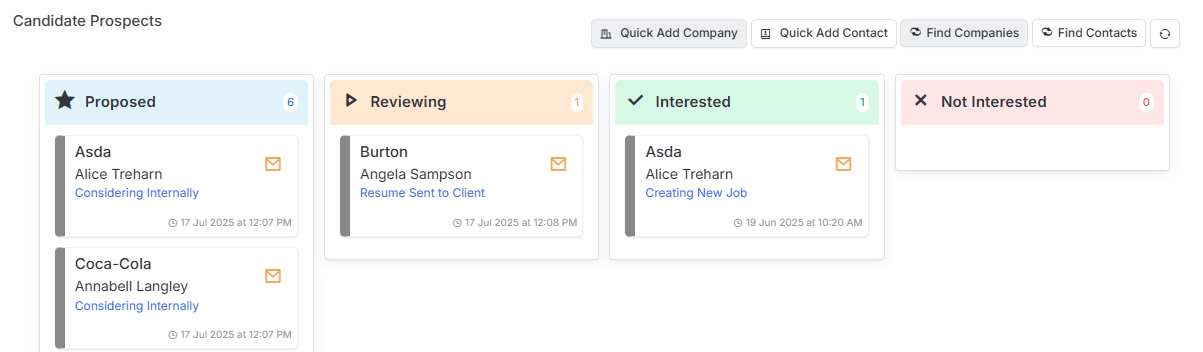
You can learn more about this area in the article Candidate Record | Prospecting.
✨Mandatory Fields Prompt
Mandatory fields ensure data consistency and completeness across all records, preventing gaps that could lead to missed opportunities, compliance issues, or inefficient decision-making during the recruitment process.
In this release functionality was introduced so that when a record with incomplete Mandatory fields is saved a pop up will load allowing all those fields to be completed in a single area, ensuring data quality is maintained.
Once you hit OK on the pop up, ensure you remember to Save the record before navigating away.
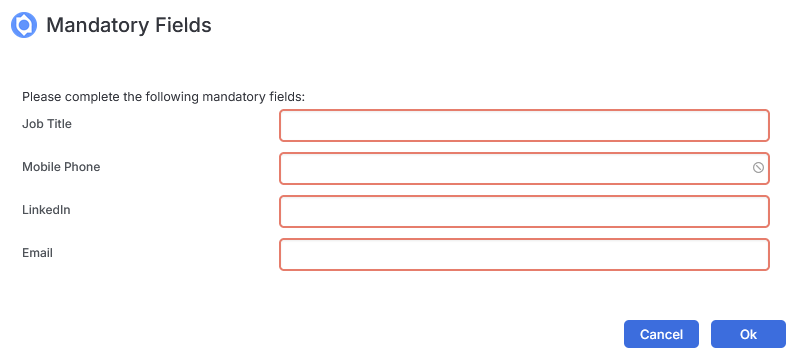
You can learn more about this area in the article Tools & Settings | Mandatory Fields.
✨Permissions to Clear Off Limits
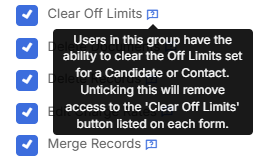
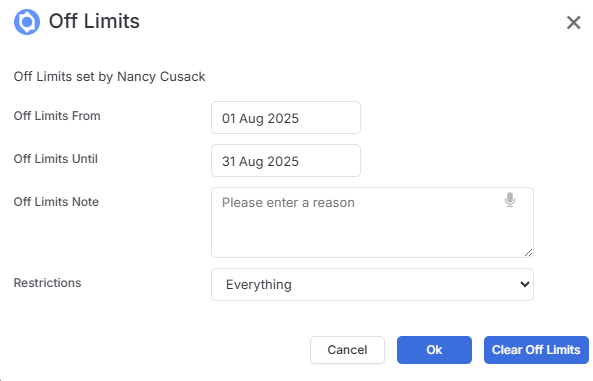
We’ve introduced a new user permission that controls who can clear Off Limits restrictions on Candidate and Contact records, giving you enhanced control over your sensitive data management.
✨Linking Company Records
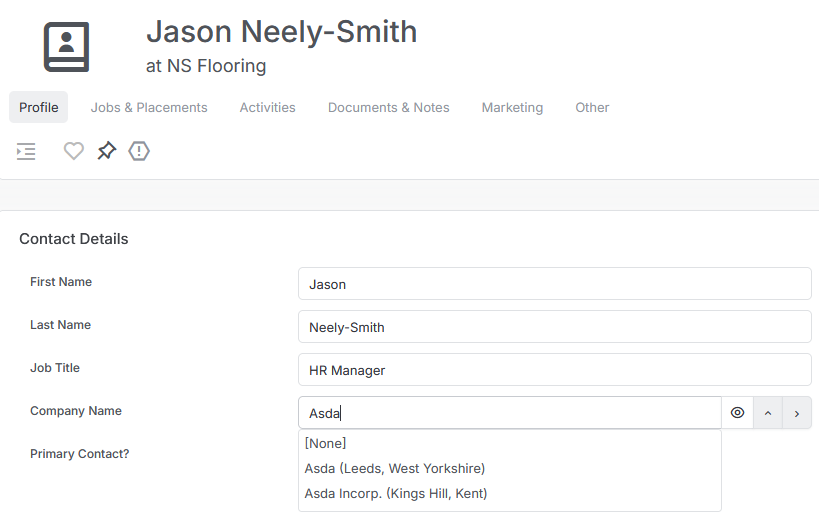
Though not best practice, you may find you have the same Company on itris multiple times (for example with various spellings, acronyms or locations), so to assist when when linking a record to a company (for example moving a contact) we now include the Town/City and County/State to help you select the correct link.