
Introduction
Job Description Templates are managed within Tools & Settings, which is accessed via the profile menu.
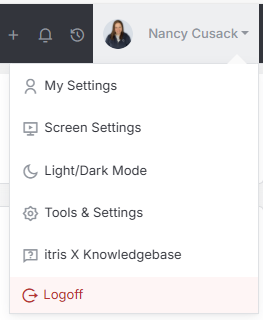
Within Tools & Settings under the Templates sub-menu you will find Job Description Templates.
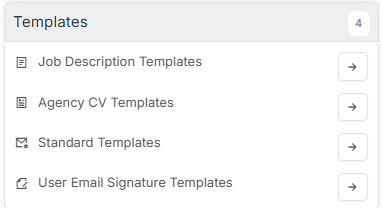
Please note access to this area is permission based, see the article Tools & Settings | User Groups for more details on permissions.
How to create Job Description Templates is detailed below and you can have as many templates as required. When creating or editing your templates, ensure you Save before navigating away.

Creating Templates
Existing templates can be viewed by the dropdown, or to create a new one hit the plus button.
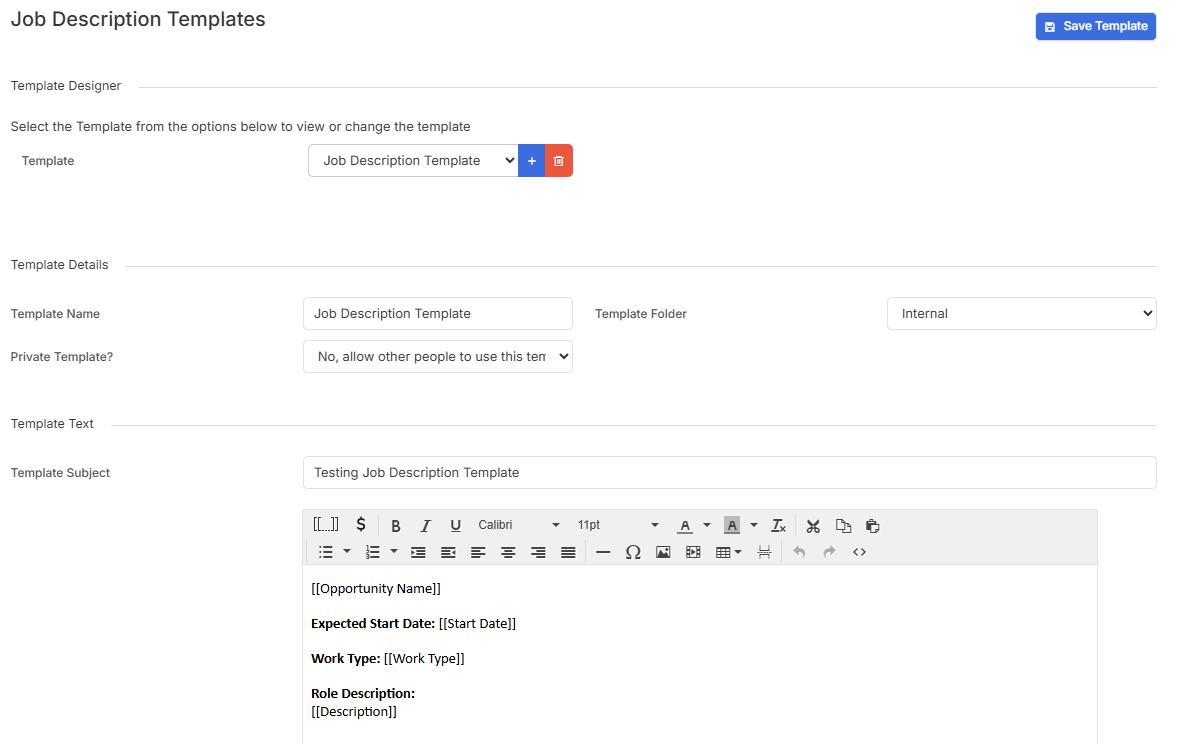
When you’re adding a new template, you’ve got several considerations:
- Add to folders - keep things organized by grouping similar templates together
- Clone existing - found a template that’s almost perfect? Clone it and tweak it rather than starting from zero
- Upload a formatted Word document - if you’ve already got job descriptions in Word that you love, just upload them and itris will apply the formatting
The clone option is very handy if you’re creating variations of similar roles and to keep your descriptions on brand.
Adding Tags and Formatting
When you’re creating or editing a template, you can add Tags that automatically merge in data from the job record. This means details like start date, location, and job title can be pulled in automatically.
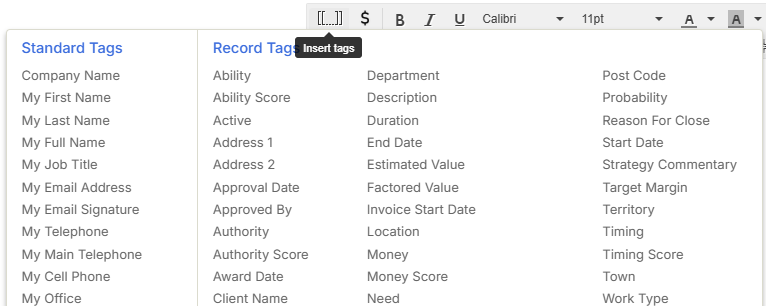
You can also add formatting to make your job descriptions look professional and engaging. A well-formatted job advert just looks more appealing to candidates, and it’s worth spending a bit of time getting this right.
Naming Your Templates
This might seem obvious, but name your templates something appropriate that you’ll actually remember. “Sales Job Template v2 FINAL FINAL” isn’t going to help anyone six months down the line. Think about using names that clearly describe what the template is for - like “Senior Developer - Tech Stack Focus” or “Graduate Sales Role - Client Facing.”
The whole point of templates is to make your life easier, so the more descriptive and organised you are upfront, the more time you’ll save later. Plus, if you’re working in a team, clear naming helps everyone find what they need quickly.
Once you’ve got a good library of templates built up, creating new job postings becomes so much faster. You just pick the right template, let the tags pull in the specific details, and you’re ready to go live across multiple job boards in minutes rather than hours.
See Job Record and Job Record | Job Board Posting articles for more details on using templates.