
Introduction
Report Settings are housed within Tools & Settings, which is accessed via the profile menu.
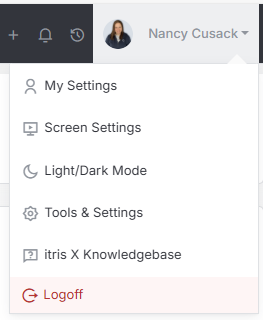
Within Tools & Settings under the Reporting sub-menu you will find Report Settings.
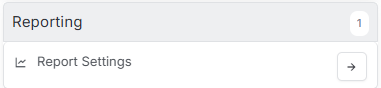
Please note access to this area is permission based, see the article Tools & Settings | User Groups for more details on permissions.
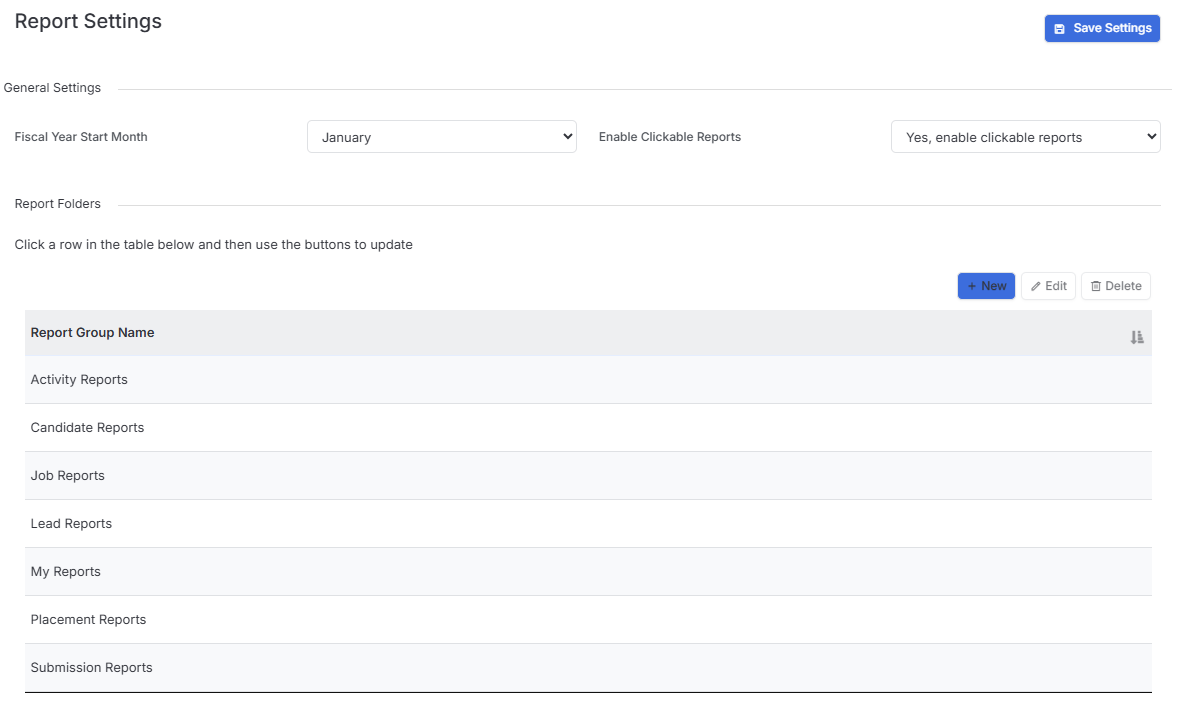
The settings available in the area are detailed below, once you are happy with your selection you will need to save these settings before navigating away.

Report Settings
General Settings
Under the General settings area you can set you Fiscal Year start month.
The Enable Clickable Reports setting is for creating hyperlinks for fields in record & report views that don’t currently have them, this is a task performed by itris, please contact [email protected] if you require this service.
Report Folders
Here you can create folders to organise your reports into.
Please see the Tools & Settings | User Groups article regarding access permissions to these folders.