Introduction
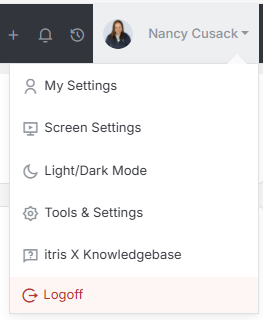
Document Settings are managed within Tools & Settings, which is accessed via the profile menu.
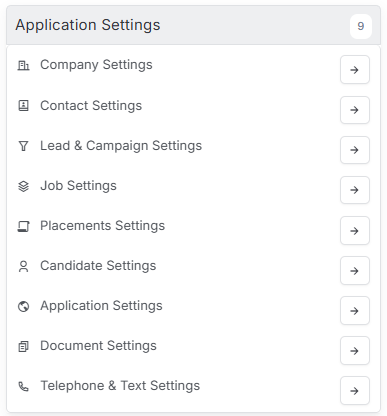
Within Tools & Settings under the Application Settings sub-menu you will find Document Settings.
Please note access to this area is permission based, see the article Tools & Settings | User Groups for more details on permissions.
The settings available in the area are detailed below, once you are happy with your selection you will need to save these settings before navigating away.

General Settings

Live Edit
Live Edit of documents will allow you o open a document from within a record, (to Word for example) edit the document accordingly, then hit ‘Save’ and it will save straight back to the record, rather than having to delete the old version, save the new one to your desktop and upload again.
Document History
Documents can be version controlled allowing for multiple versions of a single document to be managed from one version to another. See the article Documents for more details.
Auto-Attach Interview iCal
Choose whether or not you would like your recipients to receive a Calendar invite automatically when you send a meeting invite over by email.
Default Document Folders
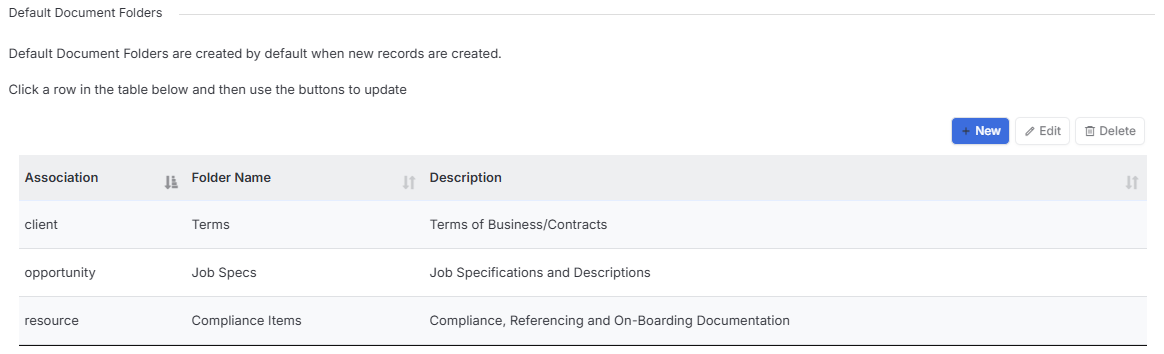
To add a new folder to add Documents to, within a specific record, you can add them in this section. You will need to select an association (so the type of record you want to see the folder in) and add a folder name.
The folder will only become visible when you next create that type of record (association) and will not back date, so will not be available at records which precede the date you created the new folder.
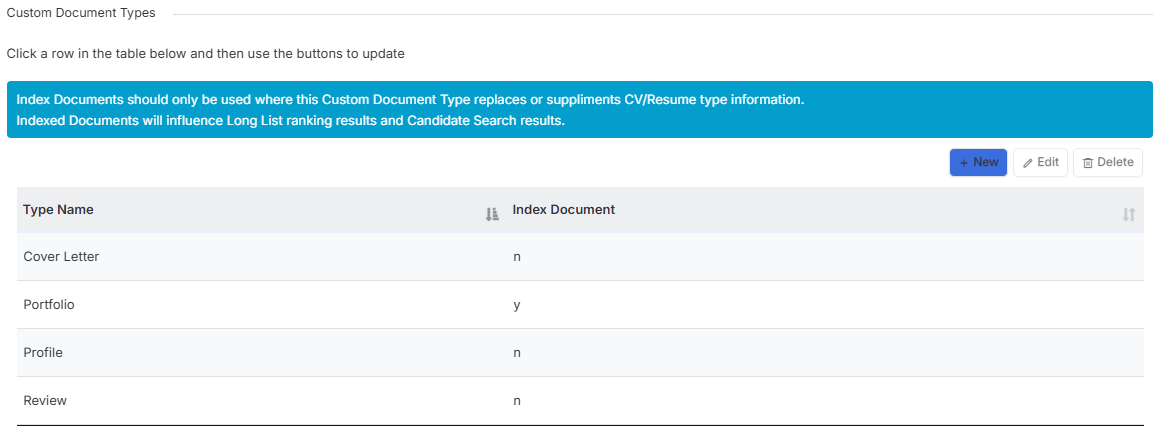
Custom Document Types
In addition to the standard Document Types of Resume, General and Agency Resume, if your company would like to add other custom document types, you can do that in this section. Please keep in mind you cannot add any of our standard document types as a Custom Document Type.
When creating Custom Document Types you can choose if these documents will be indexed. Indexing should be used where the Custom Document type will be used to replace or supplement CV/Resume type information. Indexed documents will influence Long List ranking results and Candidate search results.