Introduction
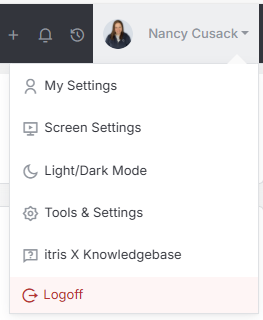
Contact Settings are managed within Tools & Settings, which is accessed via the profile menu.
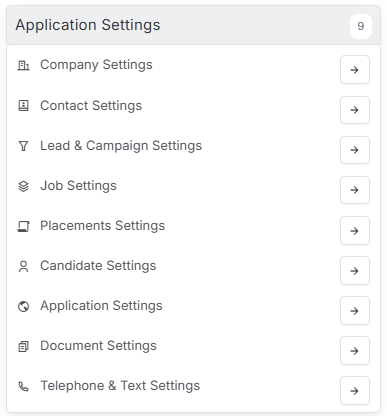
Within Tools & Settings under the Application Settings sub-menu you will find Contact Settings.
Please note access to this area is permission based, see the article Tools & Settings | User Groups for more details on permissions.
The settings available in the area are detailed below, once you are happy with your selection you will need to save these settings before navigating away.
General Settings
Under General Settings you can select various defaults to be applied when a new contact record is created and more.

Contact View Access
This option allows you to set whether users will see records they own or those that form part of their groups when viewing records via My Contacts (in the main menu). See the Navigation article for more details.
Show Linked Activities
Where there is a link between an candidate and contact record (e.g. they are the same person) you can choose whether to see activities added on both records when viewing one or the other, or just the record you are viewing.
See the article Linking Candidate and Contact Records for more information.
Default Contact Status
The Default Contact Status specifies the status to be applied when a new contact record is created. The items available in the list here are created by you in the Contact Statuses section below.
Default Company & Contact Ownership
This area allows you to select a user to be applied as the record owner when new company and contact records are created. Alternatively this can be left blank or set under Company Settings (see the article Tools & Settings | Company Settings)
Cascade Company Ownership changes to Contact
This setting determines whether when ownership is changed on a company record, if this will cascade down to the contacts at that company.
Contact Types
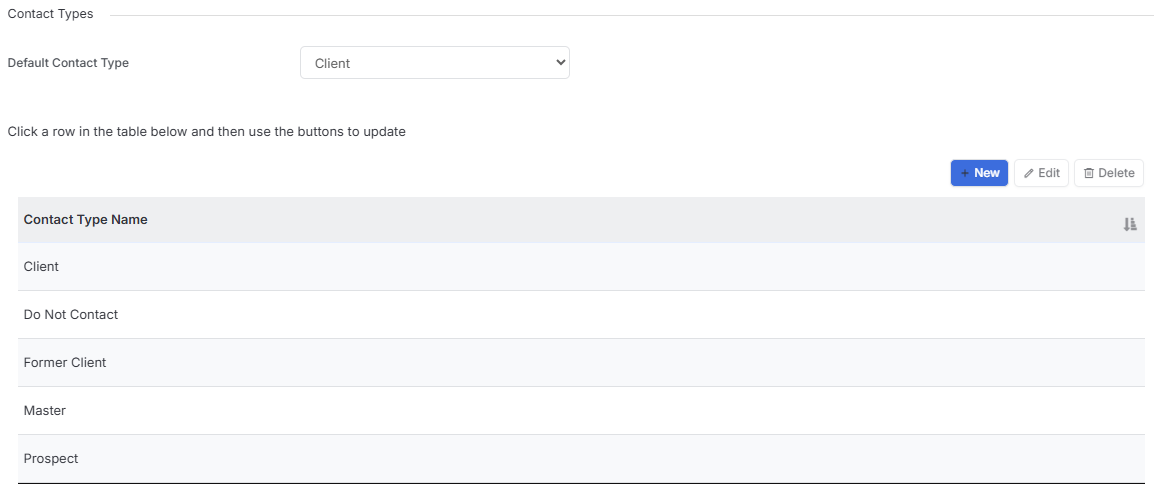
A Contact Type is a label applied to contact records. A contact record can have more than one type applied to it and this data can be used to filter contacts within record lists (see the article Record Views for more details). Once your Contact Types are created one can be selected as the default to apply upon creating a new company record.
Contact Roles
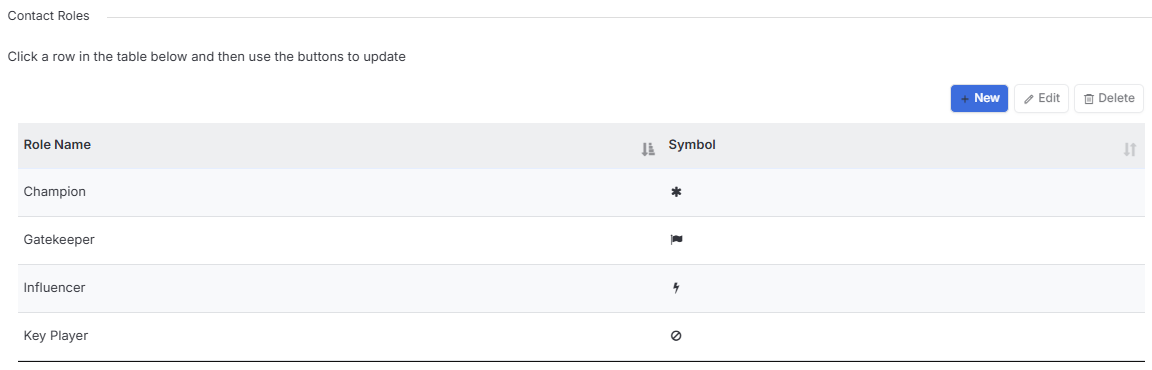
Contact Roles are used to determine the type of role the particular Contact plays in the business. When managing Contact Roles a symbol can be added for quick and easy recognition.
This data can be used to filter contacts within record lists (see the article Record Views for more details), additionally the symbol is a field that can display in the list columns.
Business Units
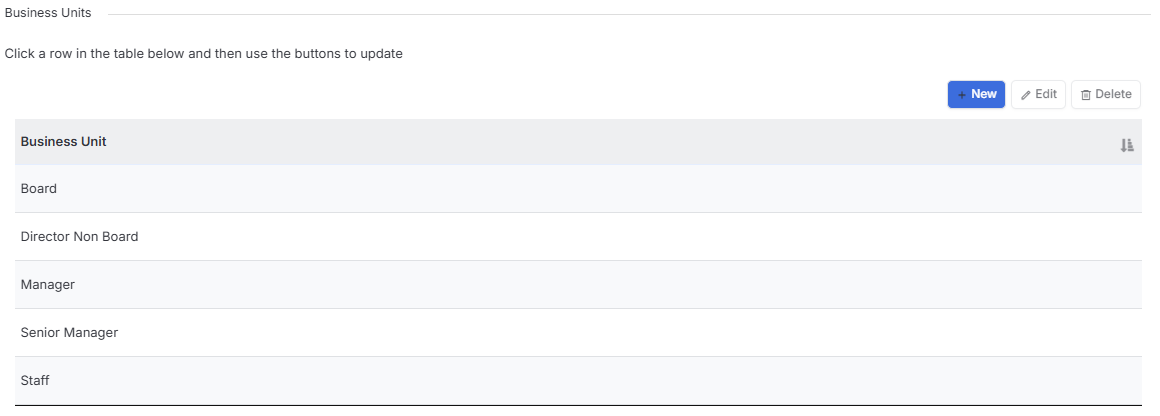
Business Units are used to categorise your Contacts into the area in which they sit within the Company, for example Board Members, Managers or Staff.
Contact Statuses
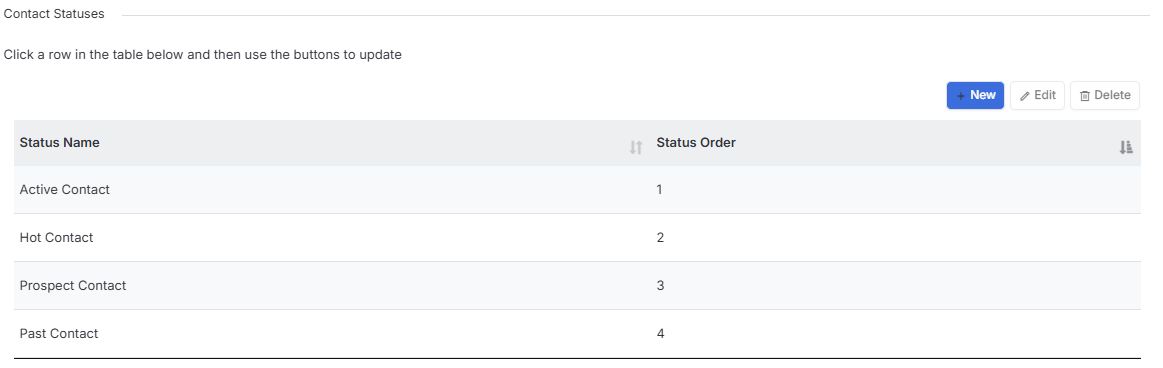
A Contact Status is a label applied to contact records and this data can be used to filter contacts within record lists (see the article Record Views for more details).
The Status Order dictates the order these options appear in when selecting from the drop down menu.