Introduction
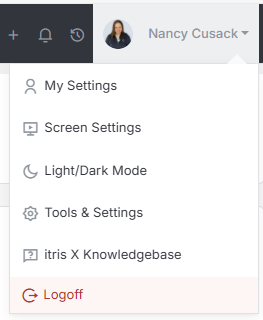
Company Settings are managed within Tools & Settings, which is accessed via the profile menu.
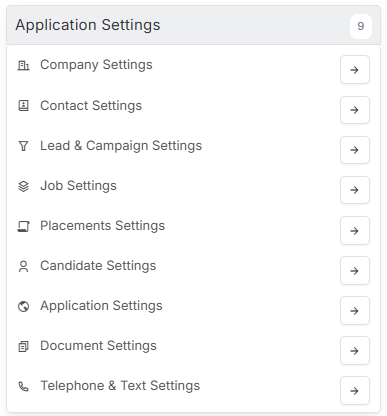
Within Tools & Settings under the Application Settings sub-menu you will find Company Settings.
Please note access to this area is permission based, see the article Tools & Settings | User Groups for more details on permissions.
The settings available in the area are detailed below, once you are happy with your selection you will need to save these settings before navigating away.
General Settings
Under General Settings you can select various defaults to be applied when a new company record is created, and whether duplicates are permitted to be created.

Default Company Type
The Default Company Type specifies the type to be applied when a new company record is created. The items available in the list here are created by you in the Company Types section below.
Allow duplicate Company Names
The setting here will determine if you can have company records with the same name.
Default Company Status
The Default Company Status specifies the status to be applied when a new company record is created. The items available in the list here are created by you in the Company Status section below.
Default Company Rank
The Default Company Rank specifies the rank to be applied when a new company record is created. The items available in the list here are created by you in the Company Rank section below.
Default Company & Contact Ownership
This area allows you to select a user to be applied as the record owner when new company and contact records are created. Alternatively this can be left blank or set under Contact Settings (see the article Tools & Settings | Contact Settings)
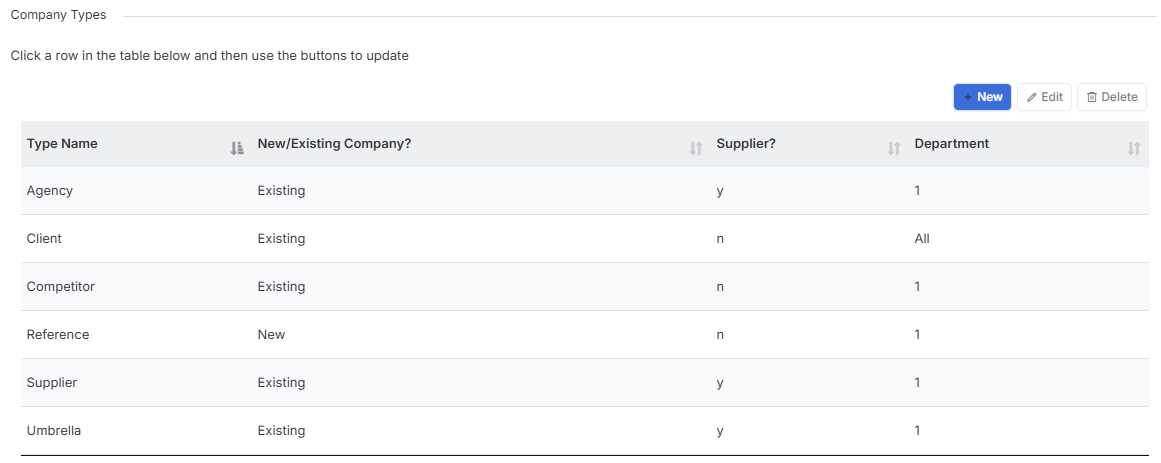
Company Types
A company type is a label applied to company records. A company record can have more than one type applied to it and this data can be used to filter companies within record lists (see the article Record Views for more details). Once your Company Types are created one can be selected in the General Settings area above as the default to apply upon creating a new company record.
Company types can have Departments assigned to them, in turn, Departments can have an impact on which records users can view. For more details please see the article Tools & Settings | Application Settings.
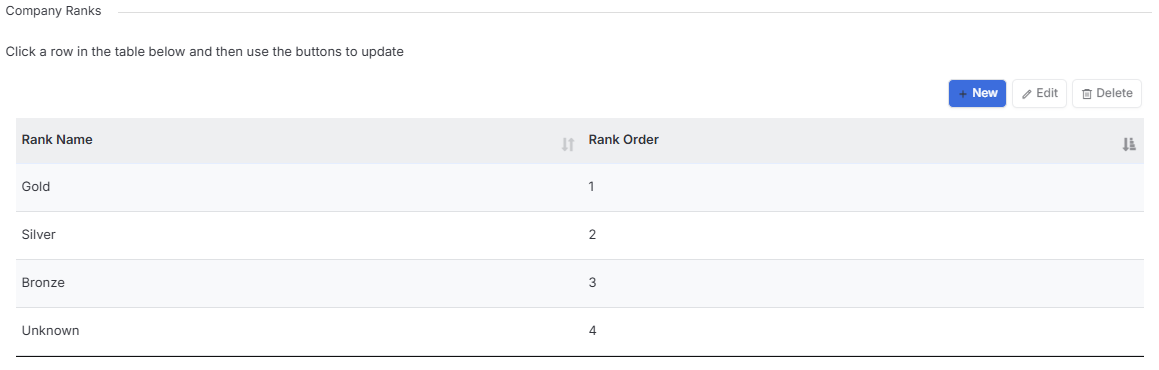
Company Ranks
Company Rank is a label applied to Company records. It can be used to filter companies within record lists (see the article Record Views for more details). Once your Company Ranks are created one can be selected in the General Settings area above as the default to apply upon creating a new company record. The Rank Order dictates the order these options appear in when selecting from the drop down menu.
This data field can be set as a Mandatory field upon record creation. See the Tools & Settings | Mandatory Fields article for more information.
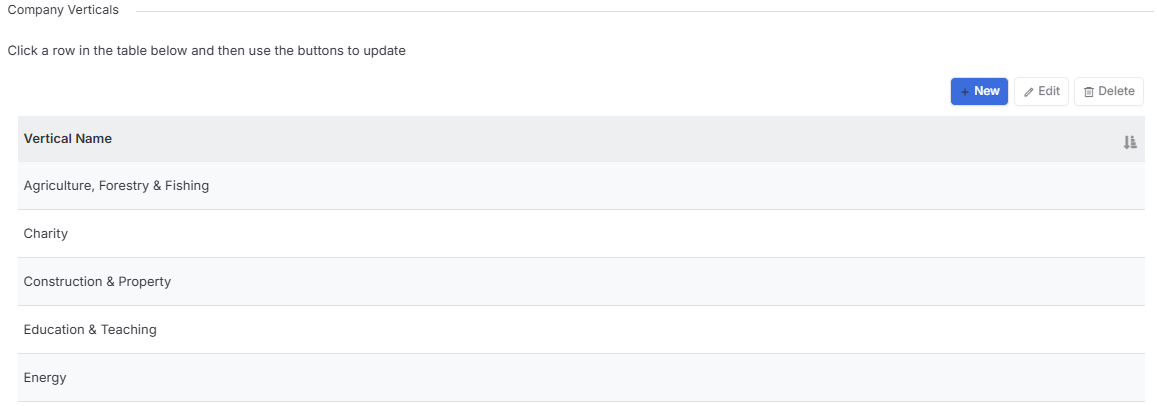
Company Verticals
Company Verticals (sometimes referred to as Industries) can be created here and applied to Company records. This data can be used to filter companies within record lists (see the article Record Views for more details).
This data field can be set as a Mandatory field upon record creation. See the Tools & Settings | Mandatory Fields article for more information.
Company Statuses
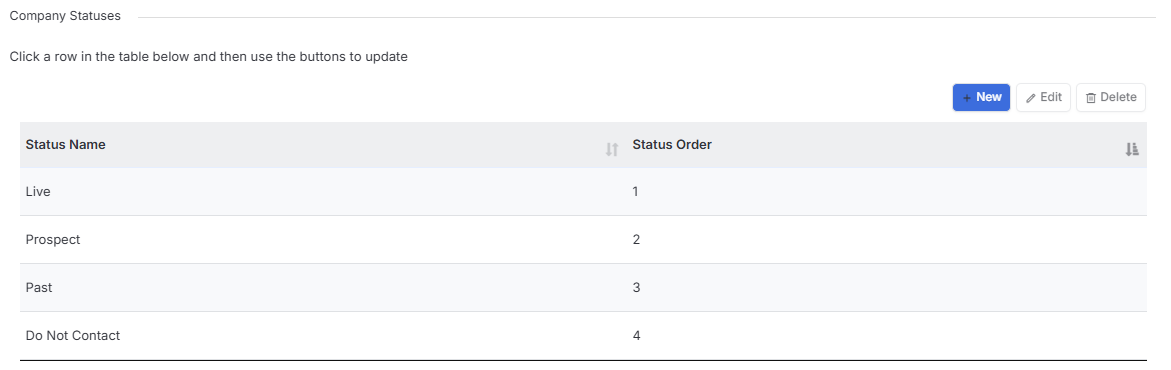
Company Status is a label applied to Company records. It can be used to filter companies within record lists (see the article Record Views for more details). Once your Company Statuses are created one can be selected in the General Settings area above as the default to apply upon creating a new company record.
The Status Order dictates the order these options appear in when selecting from the drop down menu.