Introduction
Power Search gives you complete visibility across all your recruitment data in one unified search experience. Whether you’re looking for specific candidates, tracking activities, or finding documents, Power Search delivers comprehensive results across every record type and data point in your system.
Getting Started
Access Power Search through the Discover section by clicking the magnifying glass icon at the bottom of your menu bar, then select “Power Search”.

Search Capabilities
The search functionality supports multiple input types to match your workflow needs. Enter individual words or construct Boolean search strings to pinpoint exactly what you’re looking for. The system processes these seamlessly, returning relevant results regardless of your search approach.
Customising Your Search Scope
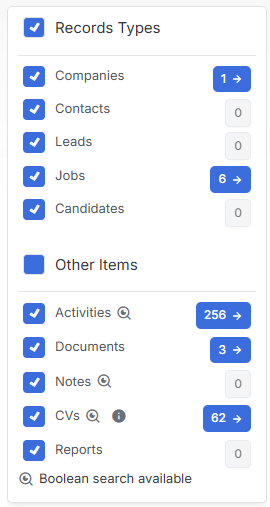
The left-hand menu provides granular control over what gets included in your search results. The Record Types section displays all available record types, with everything selected by default to ensure comprehensive coverage. You can refine your search by unchecking specific record types that aren’t relevant to your current needs.
Below the Record Types, the Other Items section expands your search capabilities beyond standard records. Items marked with a magnifying glass icon accept Boolean search strings, giving you advanced query options for more precise results.
Working with Search Results
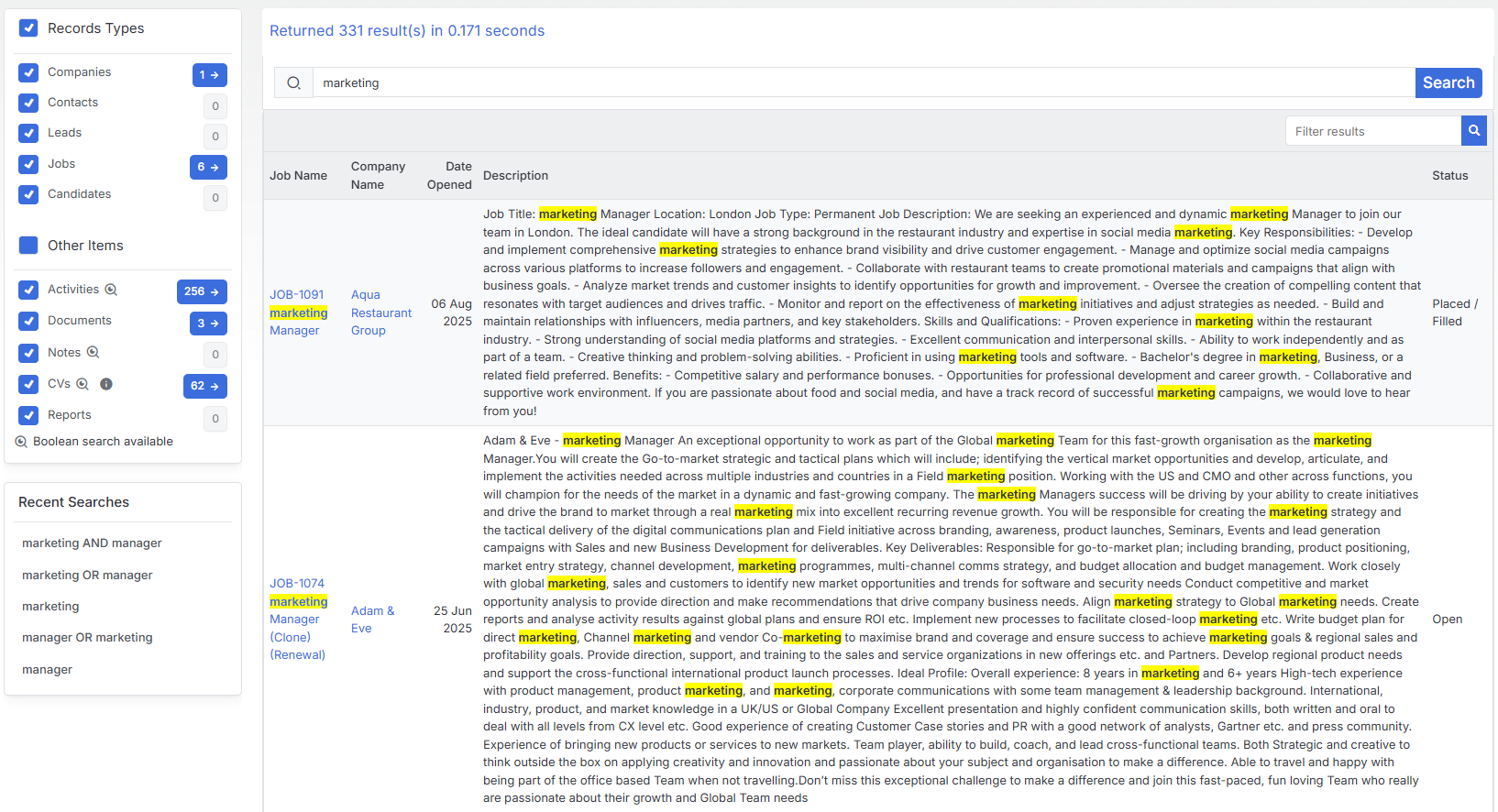
Once your search completes, results appear organized in the left-side menu with clear numerical indicators. Blue boxes display the count of results found in each category, and clicking these numbers takes you directly to the relevant result set.
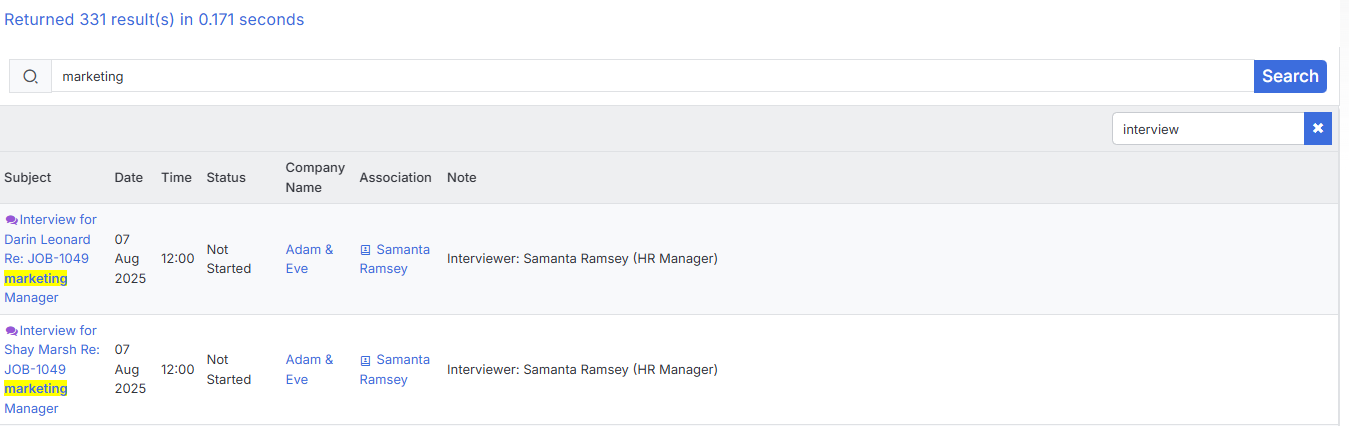
Individual results provide immediate context and access, showing search terms highlighted for quick reference.
Click any record name to open their full record.
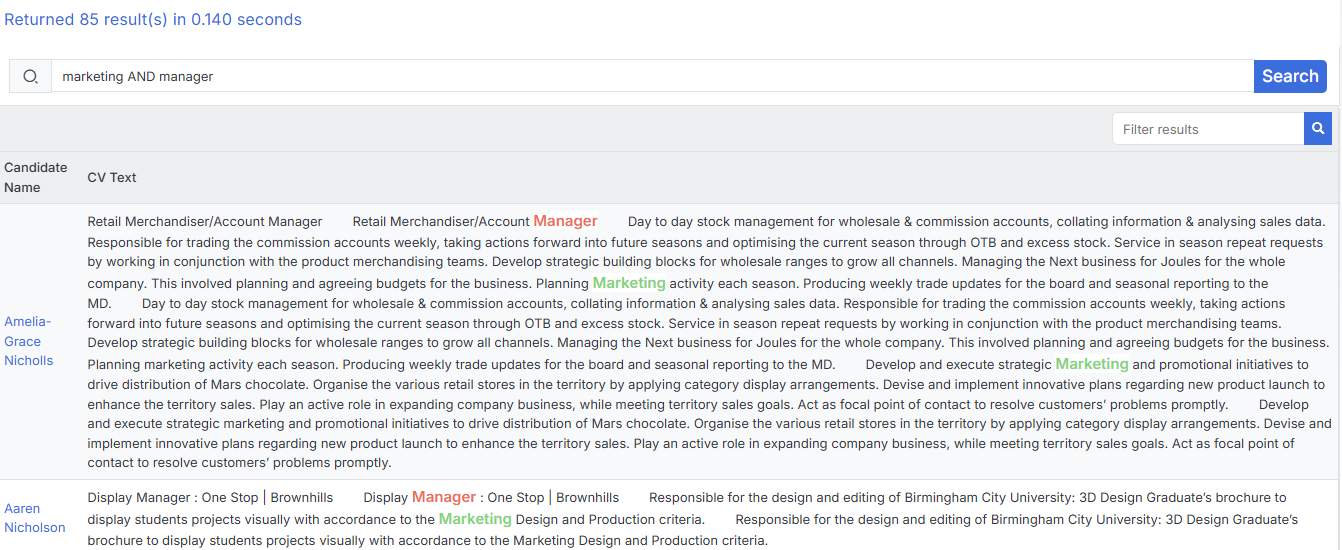
With Boolean Search strings the terms are also highlighted.
Refining and Managing Results
The upper-right search bar allows you to filter through your current results without starting over, helping you narrow down large result sets efficiently.
When you’re ready to begin a new search, the blue “New Search” button clears your current results and resets the interface.

Recent Searches
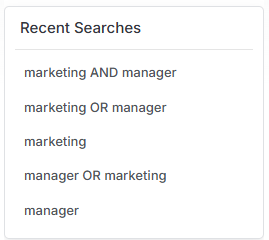
Below the Record Types and Other Items search options will be a list of your recent searches, allowing you to re-run these without having to enter the terms again.