
Introduction
In the articles Job Record | Longlists and Job Record | Submissions the most common ways for Longlisting and Shortlisting are covered. However, there are multiple options beyond those workflows for populating both lists.
Record Views
Candidates can be bulk Longlisted and Shortlist from Record views via the Action button > Assign to job.
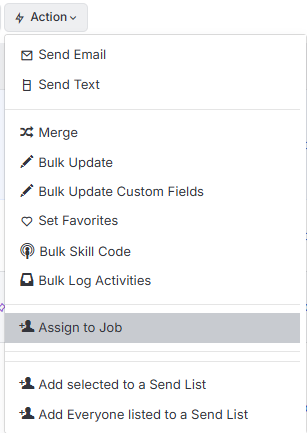
Candidate Record
Candidates can be Longlisted and Shortlist from their record via the Action Menu > Assign to job.
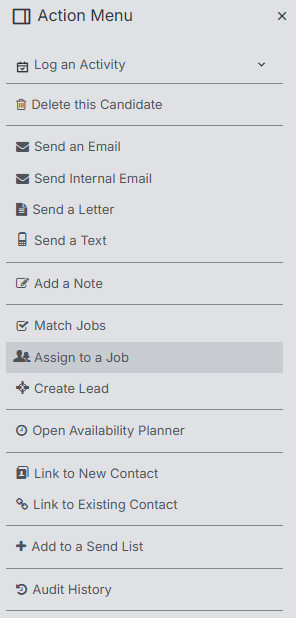
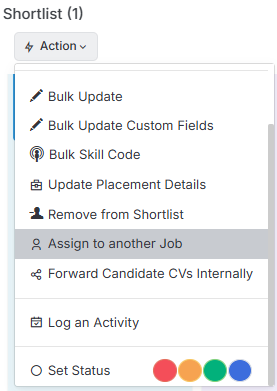
Another Job Record
From the Shortlist block (usually found under the Submissions tab) of any job one or more selected candidates can be bulk Longlisted and Shortlist from Record views via the Action button > Assign to another job.
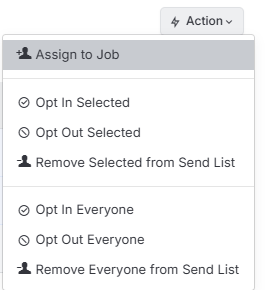
Send List
Candidates can be bulk Longlisted and Shortlist from a Send List via the Action button > Assign to job.
Longlist - Shortlist toggle
In all cases above you can then toggle between Longlisting or Shortlisting them.
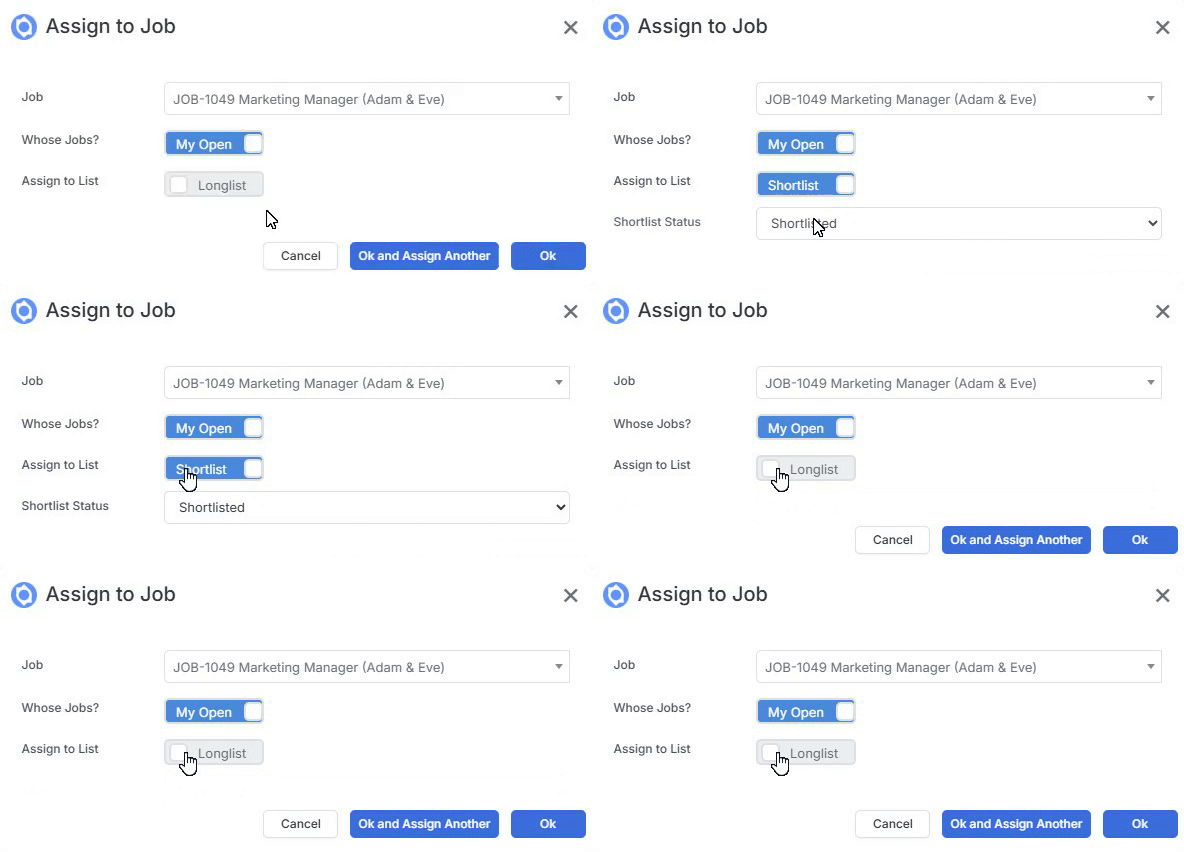
When Shortlisting a candidate you have the additional “Shortlist Status” value dropdown. These values are set under Placement Record Statuses in Tools & Settings.
Find Similar Candidates
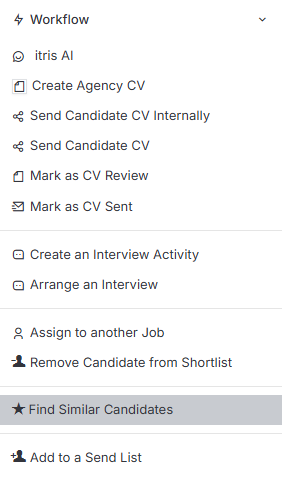
From the drop down menu’s of Longlisted or Shortlisted candidates if the Find Similar Candidates option.
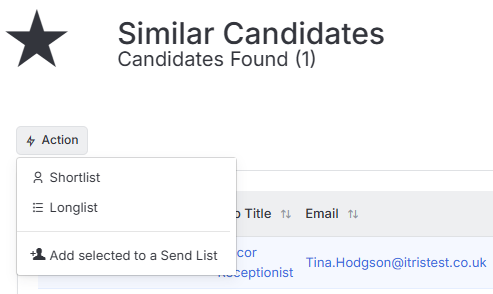
Based upon your selected/model candidate’s CV, you will then be taken to a list of similar candidates in an active state. From there, you can control the columns shown (including Quick View) and add one or more candidates to the Shortlist, Longlist or to a Send List.
To find Similar Candidates, first a Boolean search is run against the candidates primary CV to create the search criteria, which is then used to find other candidates in an active state, with a higher focus being placed on recent jobs/experience .