
Introduction
Get your LinkedIn Recruiter integration up and running in minutes. Enable the plug-in through My Settings, complete LinkedIn’s onboarding widget, and let the system handle the rest. The integration performs a one-time historical sync of your last two years of data, then immediately starts connecting your itris candidates with LinkedIn profiles—giving your entire team instant access to enriched candidate information.
Once your setup up is complete, you can learn more about how to use the Integration here.
Note: this feature is available to customers on Premium Plus licences.
itris Enable & Synchronisation
In order to complete these steps you will need to be an Admin on your LinkedIn Recruiter account.
It is recommended that you are logged into LinkedIn Recruiter within same browser that you are logged into itris on before completing the set up steps within itris.
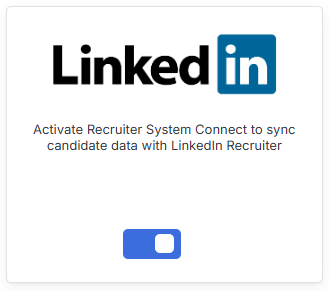
The starting point to enable the Integration is via your My Settings area where you can toggle on the Plug in for LinkedIn.
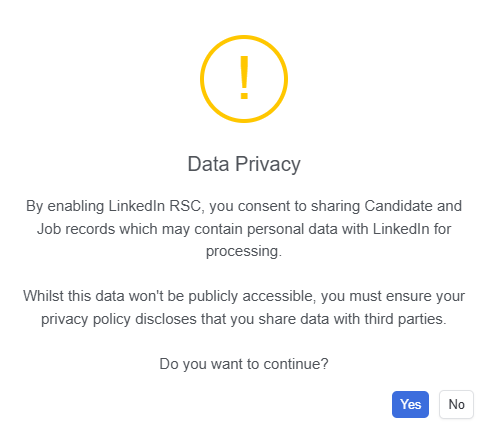
A Data Privacy warning will display, this is because as part of the sync between itris and LinkedIn you’ll be sharing Candidate and Job data that has created or modified in last two years, therefore confirmation to proceed is required.
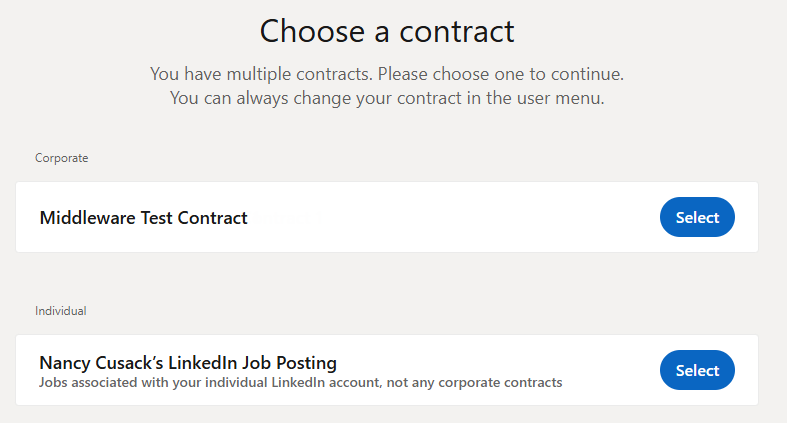
At this point you may be asked to “Choose a Contract”. If you have multiple contracts you can choose the relevant one, otherwise choose the one listed under Corporate.
The next window is LinkedIn’s Onboarding widget, here, as with above, if you have multiple contracts you can choose to change the Contract, and once the correct contract is displayed you’ll need to click Choose Integration.
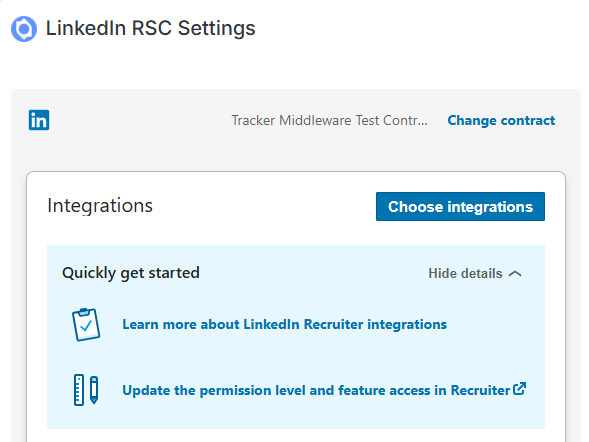
This will allow you to tick the box for Recruiter System Connect (this may also select ATS-Enabled Reporting, don’t worry if it does, this is just future proofing for possible future development from LinkedIn). You can then click Save at the bottom of the widget.
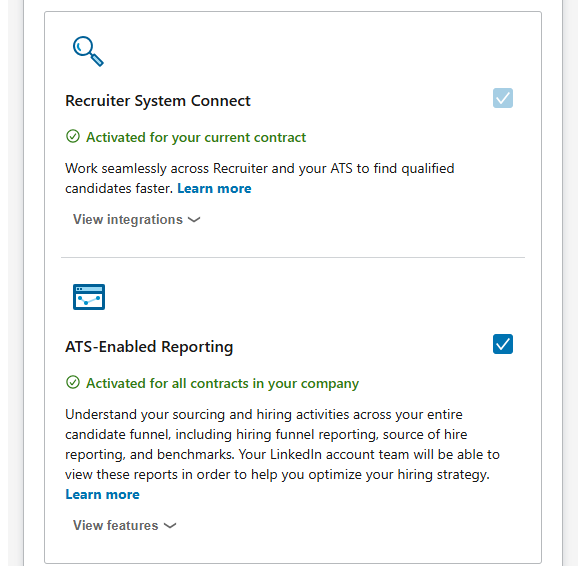
This will begin the initial synchronisation of historic itris data to LinkedIn: Candidate, Job and Placement (e.g. from shortlist onwards) record data and Activities created and modified in the last 2 years.
Sync time will vary depending on the volume of data involved, and is a one-time action (e.g. users will not each have to do this).
When enabling the LinkedIn Recruiter integration, many of the integration’s features will be immediately available to you to start using, however, some require a background data synchronisation task to complete before being enabled, see the section below Feature Enablement Milestones for more details.
Clickable links are created between itris Candidate records and LinkedIn Profiles, however for Job and Placements this is purely an operational sync for tracking activity against the person (e.g. submissions and activities).
LinkedIn Recruiter ATS Settings
Once the integration is synchronised, from within the LinkedIn Recruiter account that has been invited to the LinkedIn Integration Contract you will need to ensure a couple of settings are enabled (you will only need one user to do this).
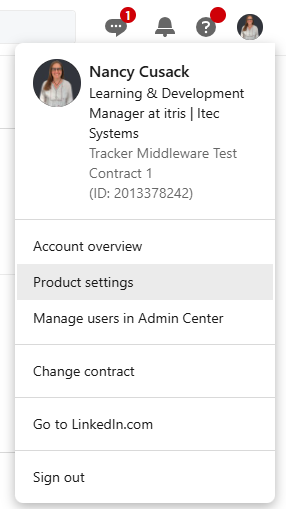
Start by going to Product Settings within LinkedIn.
Find Integrations > ATS Integrations on the left menu, you’ll see your itris Integration listed.
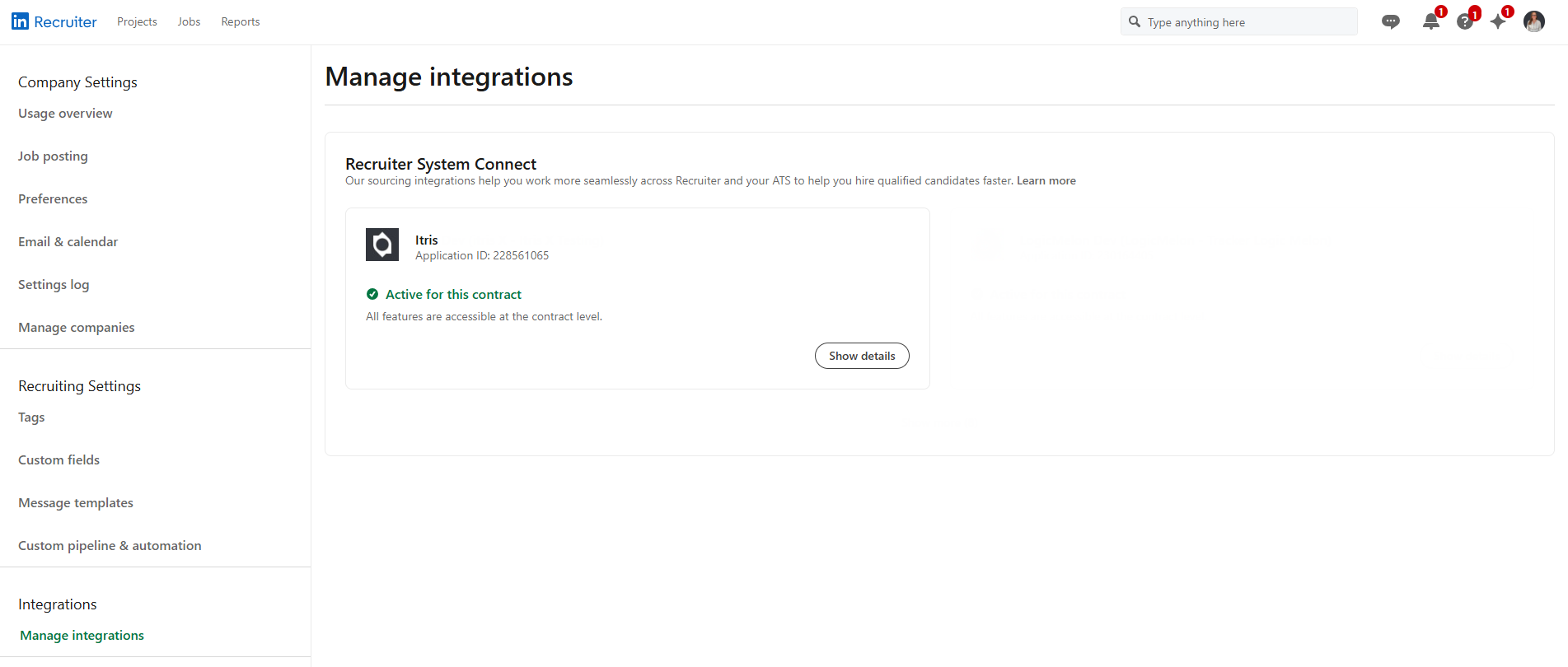
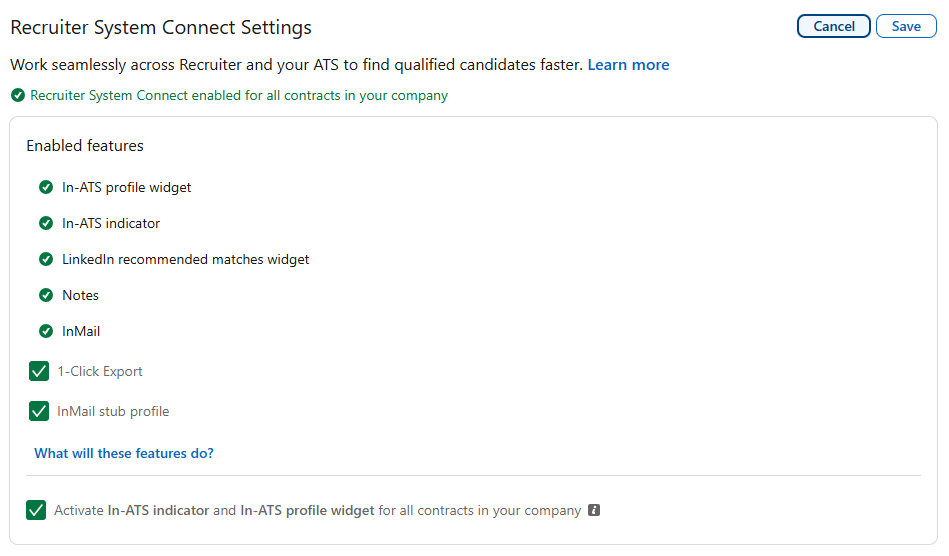
Click Show Details to expand out the options and ensure the following are ticked:
- 1-Click Export
- InMail Stub Profile
- Activate In-ATS Indicator and In-ATS Profile Widget (this is optional, but advised for future proofing further developments)
Feature Enablement Milestones
The background sync task can be broken down into a number of milestones. Each milestone enables new features.
Milestone 1: Integration Enabled
The following features are available immediately after enabling the integration:
- ‘Export to ATS’ button available on LinkedIn profiles
- Option to “Share contact information” in InMail synced to itris
- Candidate data from itris visible on LinkedIn profiles - Newly created and updated candidates only
- Ability to shortlist a LinkedIn member to a job from LinkedIn - Newly created and updated jobs only
- LinkedIn profile visible on candidate records in itris - Newly created and updated candidates only
- InMail is periodically synced to candidate records - Newly created and updated candidates only
- A LinkedIn member deleting their profile results in an activity in itris - Newly created and updated candidates only
Milestone 2: Job Sync Completed
- Ability to shortlist a LinkedIn member to a job from LinkedIn - All jobs
- Candidate shortlist data from itris visible on LinkedIn profiles - Newly created and updated shortlist records only
Milestone 3: Candidate Sync Completed
- Candidate data from itris visible on LinkedIn profiles - All candidates
- Candidate activities from itris visible on LinkedIn profiles - Newly created and updated activities only
- LinkedIn profile visible on candidate records in itris - All candidates
- InMail is periodically synced to candidate records - All candidates
- A LinkedIn member deleting their profile results in an activity in itris - All candidates
Milestone 4: Shortlist Sync Completed
- Candidate shortlist data from itris visible on LinkedIn profiles - All shortlist records
- Shortlist activities from itris visible on LinkedIn profiles - Newly created and updated activities
Milestone 5: Activity Sync Completed
- Candidate activities from itris visible on LinkedIn profiles - All activities
- Shortlist activities from itris visible on LinkedIn profiles - All activities