Introduction
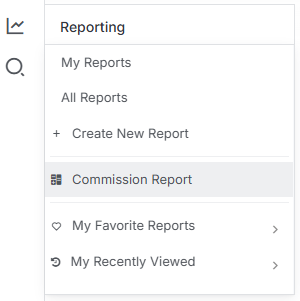
You’ll find the Commission Report under the Reporting menu- just select it to get started. Access to this report is available to any user who belongs to a User Group with the User Targets Tools option enabled.
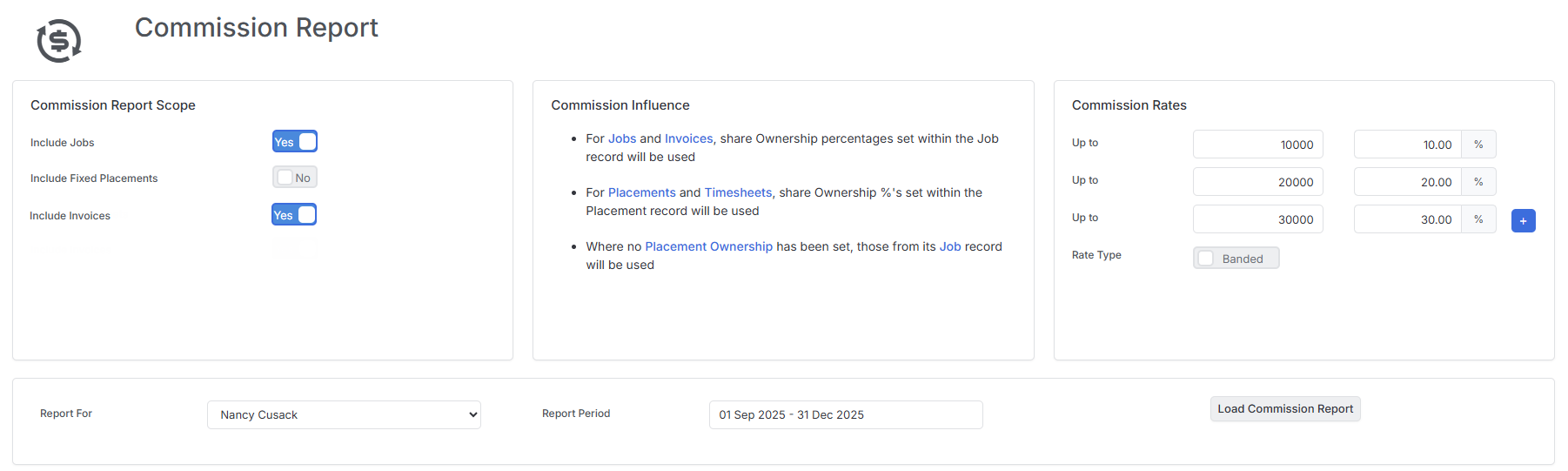
Once you’ve opened the report, you’ll notice the Commission Report interface is divided into key areas that help you configure exactly how you want to measure and calculate commissions.
Choosing Your Commission Basis
On the top left-hand side of the report, you’ll see your commission report options. This is where you decide what you want to base these commissions on - and you’ve got plenty of flexibility here:
- Jobs - commission based on pure sales (CRM activity)
- Fixed Placements - commission based on permanent placement fees
- Invoices - commission based on money requested
The real power here is that you can use any combination of these three options depending on what your business uses to measure commissionable output. Mix and match to suit your commission structure.
Setting Your Commission Rates
Over on the right-hand side, you can choose how you want commission rates to work. You’ve got two options:
Flat Rate - a single qualifying percentage that applies across the board
Banded Rate - commission percentages that increase as earnings go up, with each band applied against the commission earned
If you need multiple commission structures, you can add more using the green plus button on the far right-hand side.
Just a heads up - if you’re using the Banded Rate option, you can set up to 5 tiers to create your commission bands.
Running Your Report
Once you’ve configured your commission structure, you’ll need to select which user you want to run the report for, along with the time period you want to base it on. The commission percentages you set can be based on either Job or Placement Ownership splits, giving you flexibility in how you attribute earnings.
When you’re happy with your selections, just click Load Commission Report.
Understanding Your Results
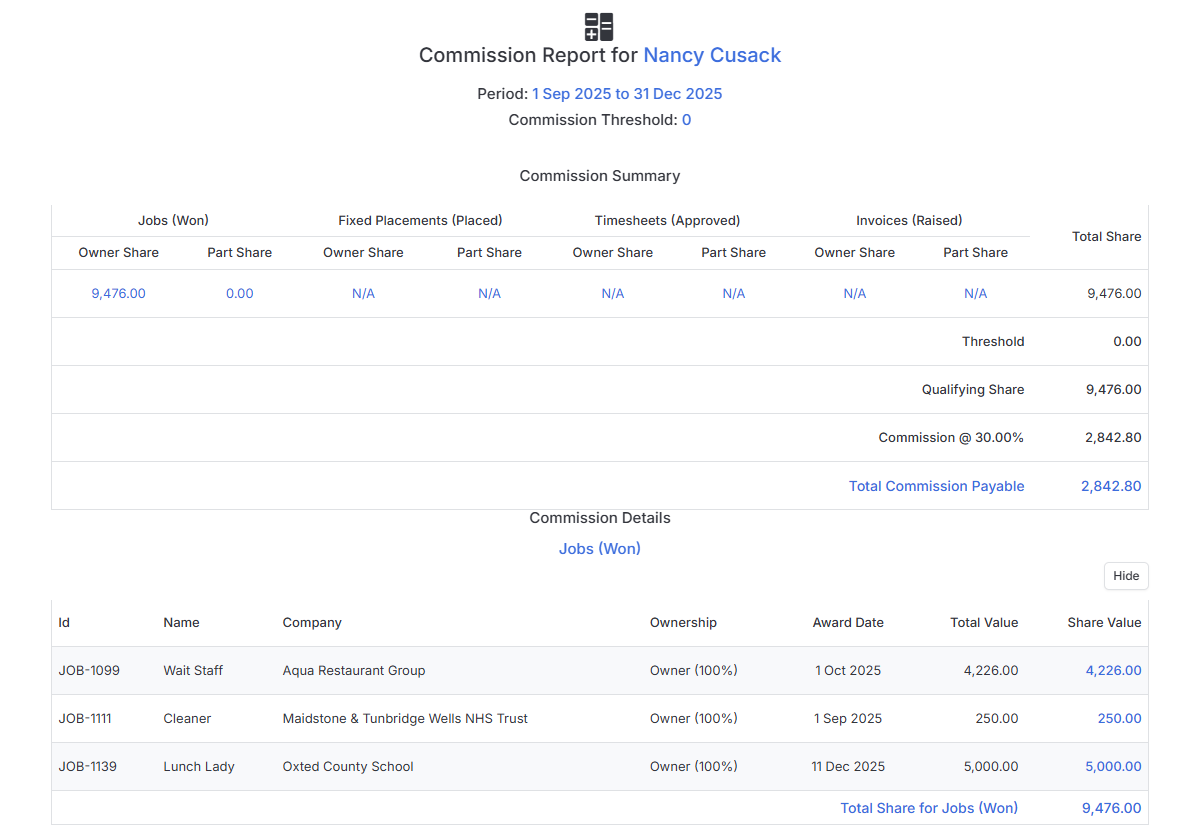
The report displays on screen with a a commission summary with a full breakdown of the calculations (Sales, Fixed Placements, and Invoices).
If you want to hide any items from the report, you can use the hide button on the right-hand side of each line.
There’s also an option to undock the Commission Report, which makes it easy to print to paper or save as a PDF for your records.